
Where do I find and download the Hugr app?
You may download the app from the Apple App Store for iOS devices or Google Play for Android devices. You may also search on either store for “Hugr Authentic Connections” or “Arcora”.
How do I sign up to Hugr as an Arcora member?
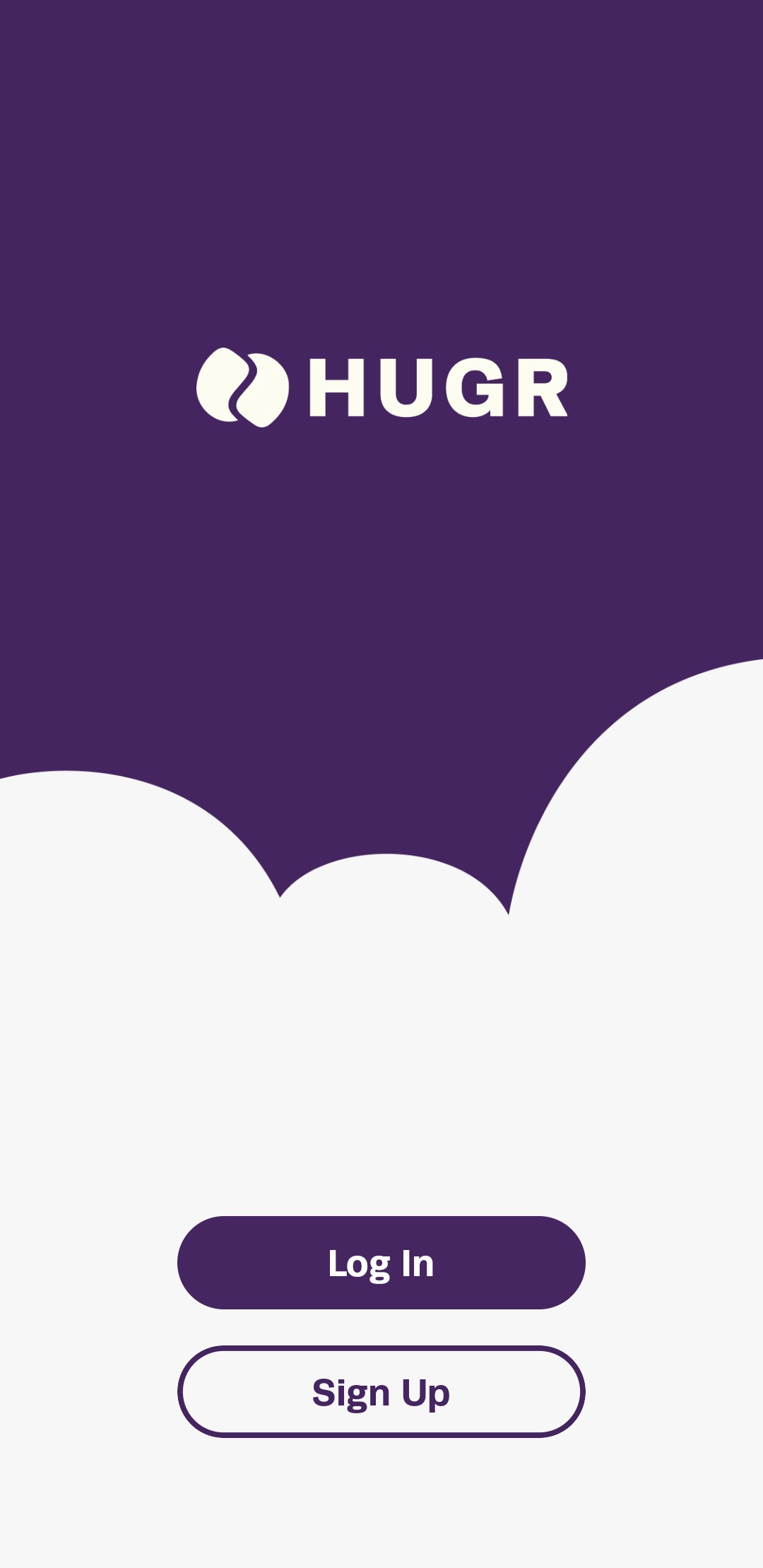
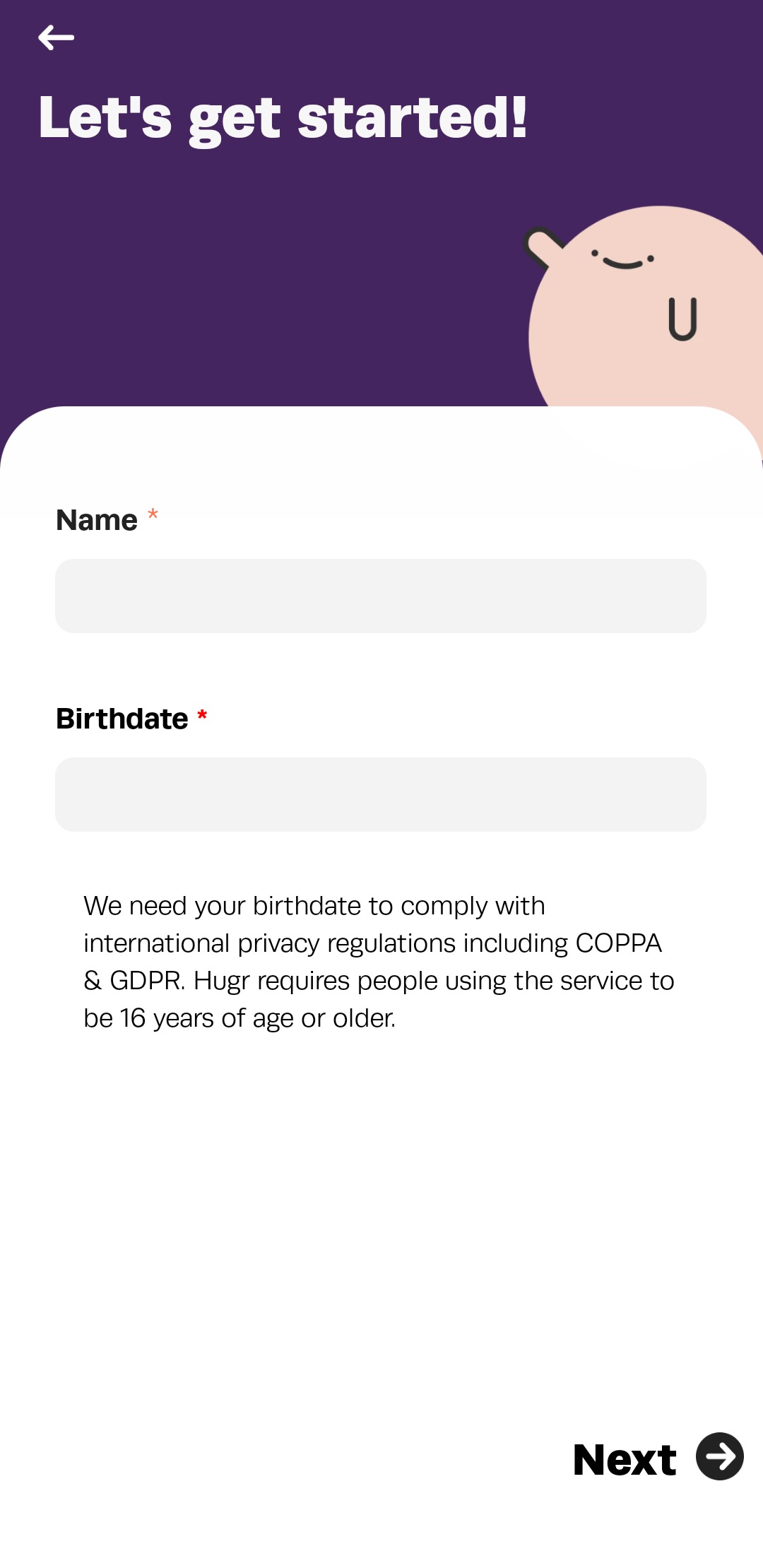
- When opening the app for the first time the following screen will be shown. Tap on the "Sign Up" button to start your Hugr account sign up.
- Enter your name, your birthdate and continue.
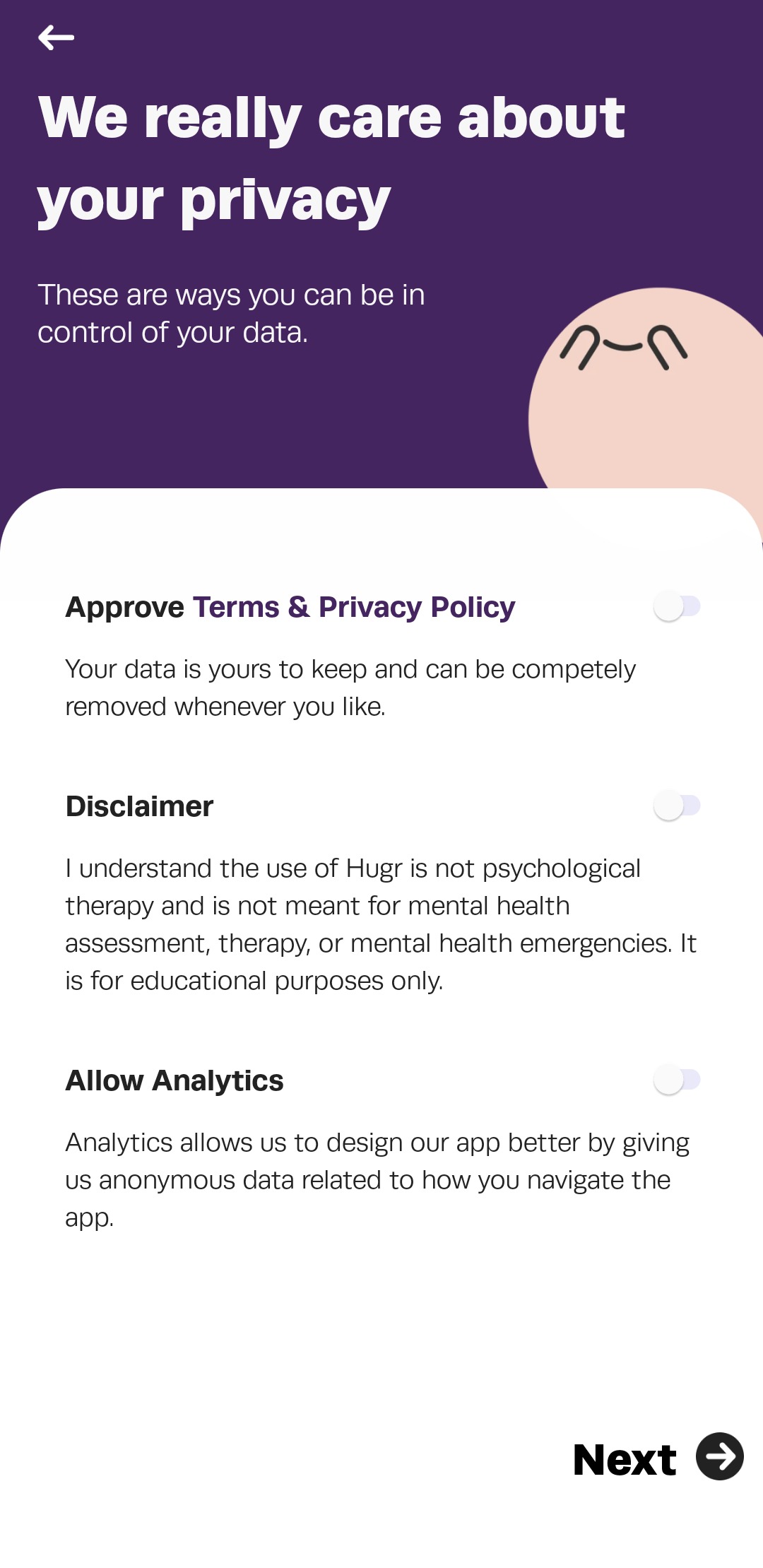
- Set your privacy settings and agree to terms and disclaimer.
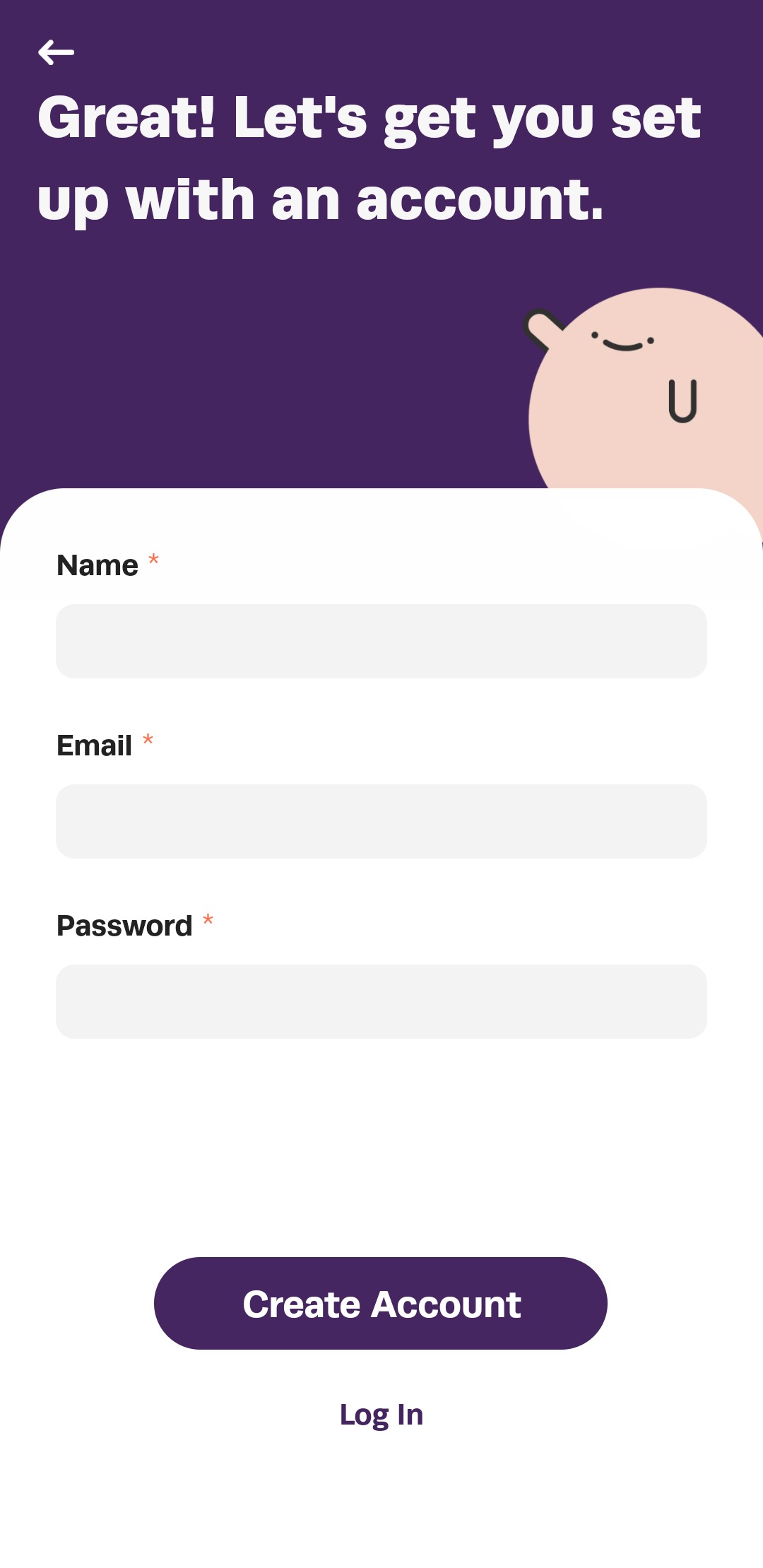
- Enter a name, email, and password then create the account.
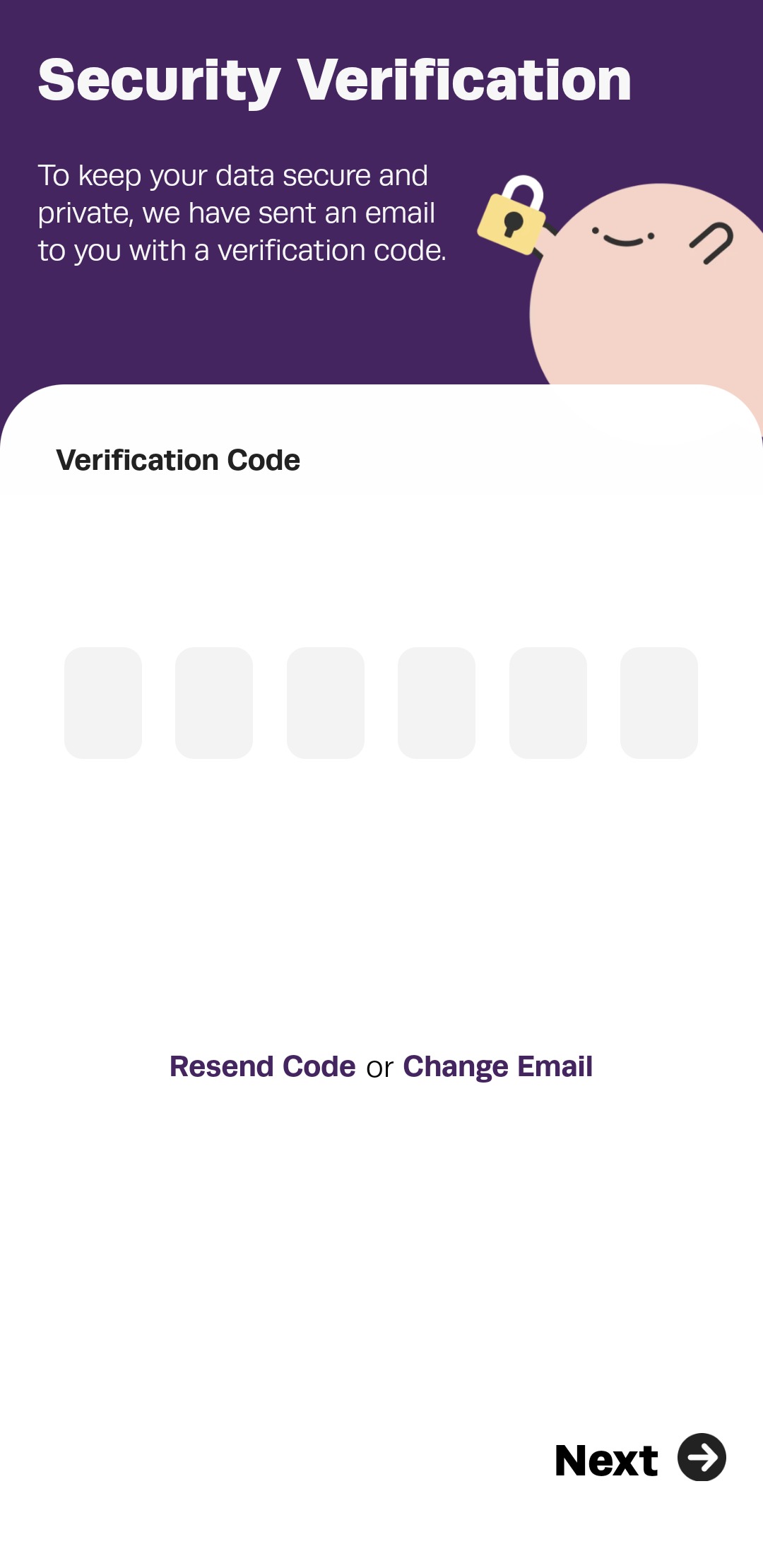
- Enter the verification code sent to the email address used to create your account.
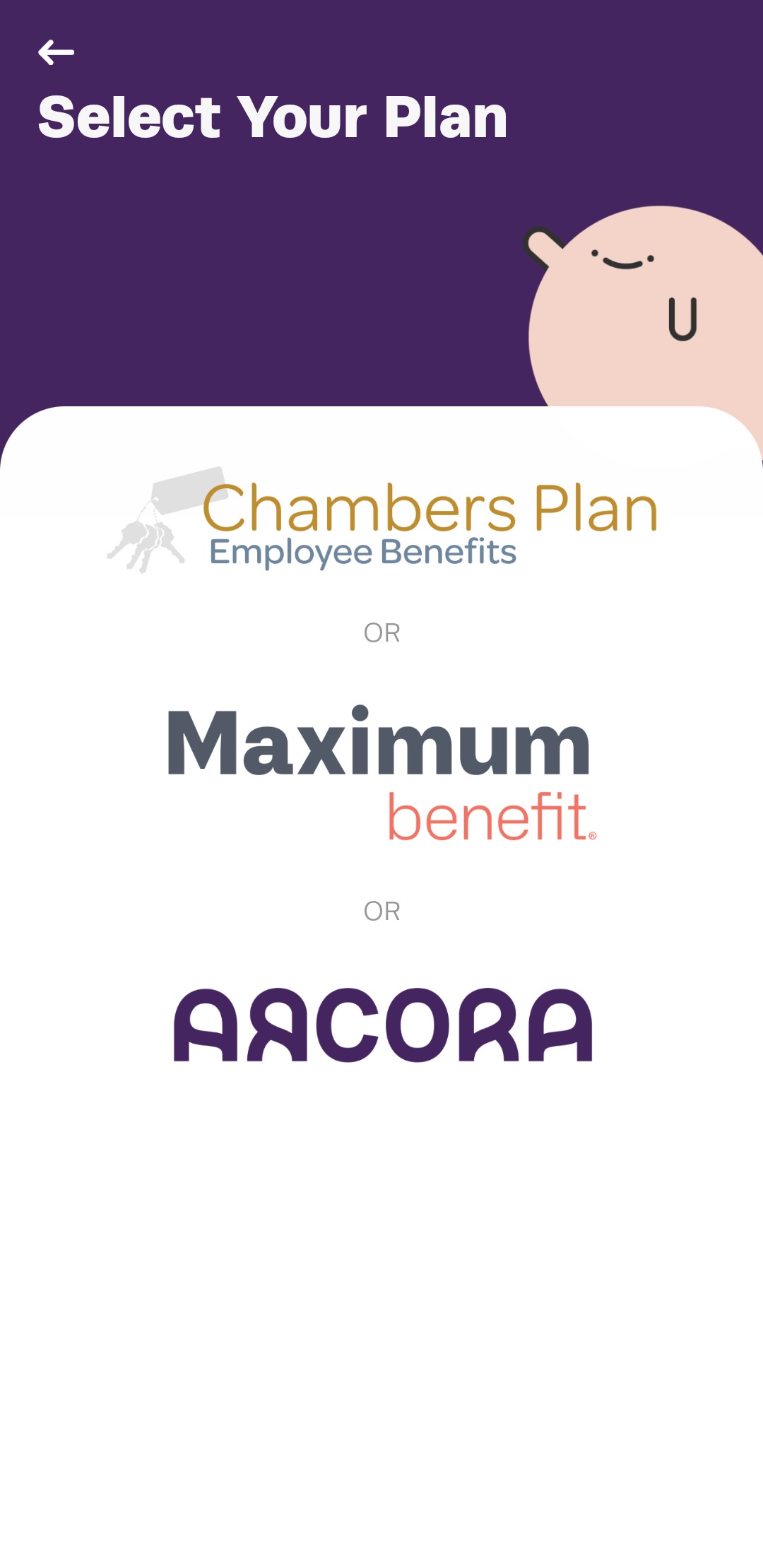
- Choose and tap on the Arcora logo.
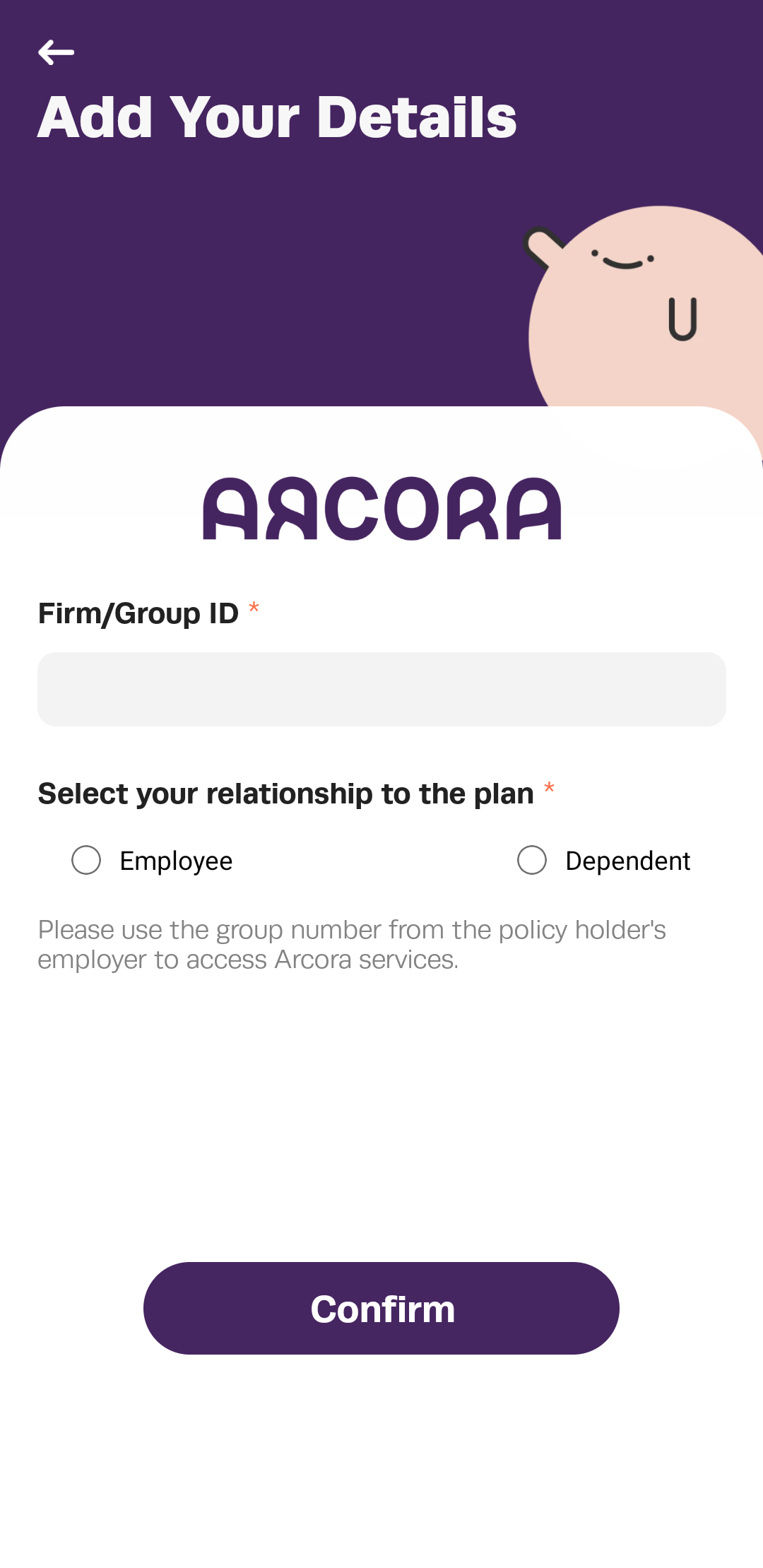
- Enter your Arcora group number and dependent status.
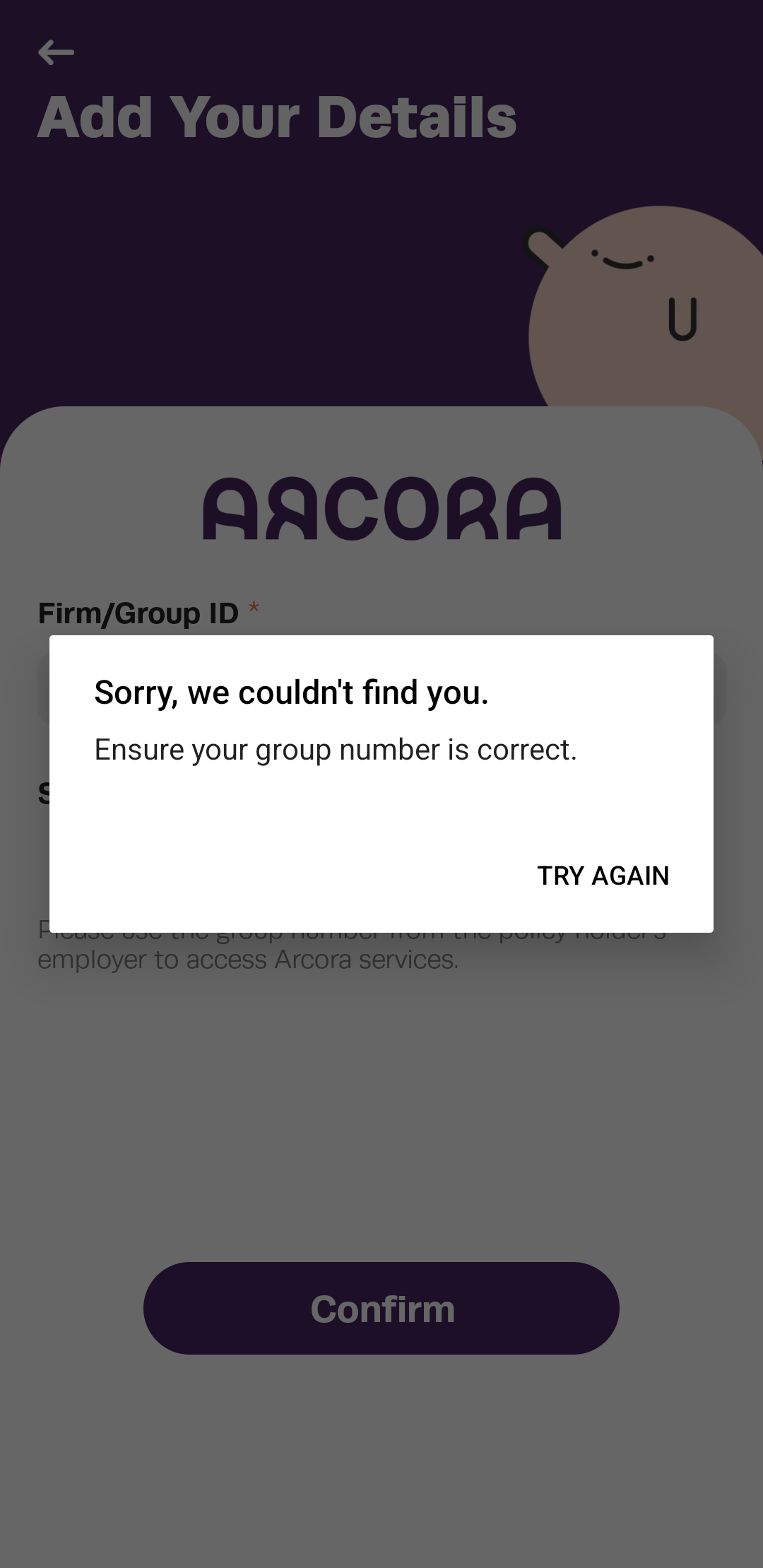
- If the group number you provided is not valid you may correct it.
- That's it! A series of Onboarding surveys will follow this screen.
Where do I find my Group Number?
Your employer can provide you with the Arcora Group Number for your organization. Alternatively you can call the Confidential Intake Line: 1-877-412-7483 for more information.
Can my dependent(s) sign up?
Yes. Any dependent complying with Hugr's privacy policies may sign up. They should use the same group number and choose “dependent” instead of “employee”.
Who can I contact if there are are any issues?
Email support@hugr.ca if you experience any problem and a member of the Hugr team will get in touch to assist you.